Best Graphic Designing Training Institute in Patna
Learn Adobe Photoshop, CorelDraw, Canva & Generative AI in a hands-on 3-month course – at BCIT WORLD, Boring Road, Patna.
Graphic Designing Training in Patna – 3 Months, 4 Tools, One Portfolio
Modern graphic designers don’t work in one tool anymore. On any given day you’ll open Canva for a quick social media post, CorelDraw for a vector logo, Adobe Photoshop for photo retouching or a composite banner, and increasingly a Generative AI tool to speed up ideation and backgrounds. At BCIT WORLD, the best graphic designing training institute in Patna, we teach you all four inside one focused 3-month program.
The course is led by Rk Thakur, founder of BCIT WORLD, with 6+ years of design and training experience across 250+ classroom students and 100+ online learners. You’ll start with real design fundamentals – color theory, typography, composition – then move tool by tool, and finish with a live client brief and a proper portfolio you can share on Behance, Instagram or with employers. No shortcuts, no theory-only slides – you design every day.

*Fees may change with ongoing offers – please confirm the current fee with our counsellor.
What You’ll Master in 3 Months
Every topic below is practised on real design files, not just watched on a projector. You leave with a portfolio, not just a certificate.
Why Choose BCIT WORLD for Graphic Designing Training?
Why Should You Learn Graphic Designing?
Every brand needs designers — for logos, posts, ads, packaging and websites. Trained designers who know Photoshop, CorelDraw, Canva and AI tools are in constant demand.
Who Can Take This Graphic Designing Course?
Graphic Design is ideal for anyone with a creative streak — students, freelancers, business owners and marketing professionals.
Career Paths After Graphic Designing
Roles you can target with a solid Photoshop + CorelDraw + Canva + AI portfolio:
Graphic Designing Course Curriculum (3 Months)
Six modules, four tools, one portfolio. Every day is a design day. Tap a module to see what’s inside.
1. Design Fundamentals1 Week
- What is Graphic Design & How the Industry Works1 Day
- Color Theory & the Color Wheel1 Day
- Typography – Fonts, Pairing & Hierarchy1 Day
- Composition, Balance & Visual Hierarchy1 Day
- Raster vs Vector – When to Use Which1 Day
2. Canva - Social Media & Fast Design3 Weeks
- Getting Started, Interface & Account Setup2 Days
- Templates, Grids, Frames & Elements2 Days
- Typography & Text Effects in Canva2 Days
- Banners & Posters – Social Media Sizes2 Days
- Logo Design in Canva2 Days
- Presentations, Documents & Infographics1 Day
- Instagram Stories, Posts & Reels Design2 Days
- Canva Video Editing & Reels Creation2 Days
- Canva With AI – Magic Studio, Magic Write & Magic Media2 Days
- Practice Project – 20+ Social Media Creatives2 Days
3. CorelDraw - Vector, Logo & Print Design3 Weeks
- CorelDraw Interface, Tools & Shortcuts2 Days
- Coloring, Fills, Gradients & Palettes2 Days
- Drawing & Shape Building With Bezier / Pen Tool2 Days
- Working With Text & Typography2 Days
- Effects, Blends, Contours & PowerClip3 Days
- Applying Bitmap Commands & Filters2 Days
- Logo Design – Concept to Vector2 Days
- Print Design – Business Cards, Flyers, Brochures2 Days
- CorelDraw for Web & Export Best Practices1 Day
- Practice Project – 10+ Logos & Print Files1 Day
4. Adobe Photoshop - Pro Editing & Composition4 Weeks
- Photoshop Interface, Panels & Shortcuts2 Days
- Layers, Masks & Non-Destructive Editing2 Days
- Photoshop Tool Deep Dive – Selection, Brush, Pen3 Days
- Color Correction & Adjustment Layers2 Days
- Typography & Text Effects in Photoshop2 Days
- Banner Design for Web & Social Media2 Days
- Logo Design in Photoshop1 Day
- Skin Retouching & Beauty Editing3 Days
- Photo Manipulation & Composite Design3 Days
- 3D Popup Effects & Mockups2 Days
- Export for Web, Print & Social1 Day
- Practice Project – 20+ Photoshop Creatives1 Day
5. Generative AI for Graphic Design1 Week
- Introduction to Generative AI in Design Workflows1 Day
- Prompt Engineering for Designers1 Day
- AI Image Generation – Midjourney / ChatGPT / Gemini / Adobe Firefly2 Days
- AI Background Removal, Upscaling & Object Removal1 Day
- AI-Assisted Reels, Videos & Motion Ideas1 Day
- Building an AI-First Design Workflow (Ideate → Design → Export)1 Day
6. Live Project & Portfolio1 Week
- Client Brief – Brand, Audience, Deliverables1 Day
- Full Brand Kit – Logo, Colors, Typography2 Days
- Social Media Kit + Print Collateral2 Days
- Portfolio Setup – Behance / Instagram / PDF2 Days
Prefer to learn just one tool? See our focused Adobe Photoshop, CorelDraw and Canva courses.
Why Learn Graphic Designing With BCIT WORLD?
Job-Ready Portfolio
Finish with 50+ banners, 20+ logos, 15+ Reels and a live client brief.
4 Tools in 1 Course
Photoshop, CorelDraw, Canva & Generative AI – no need to buy 3 separate courses.
Flexible Timing
Weekday, weekend and online batches to fit college and jobs.
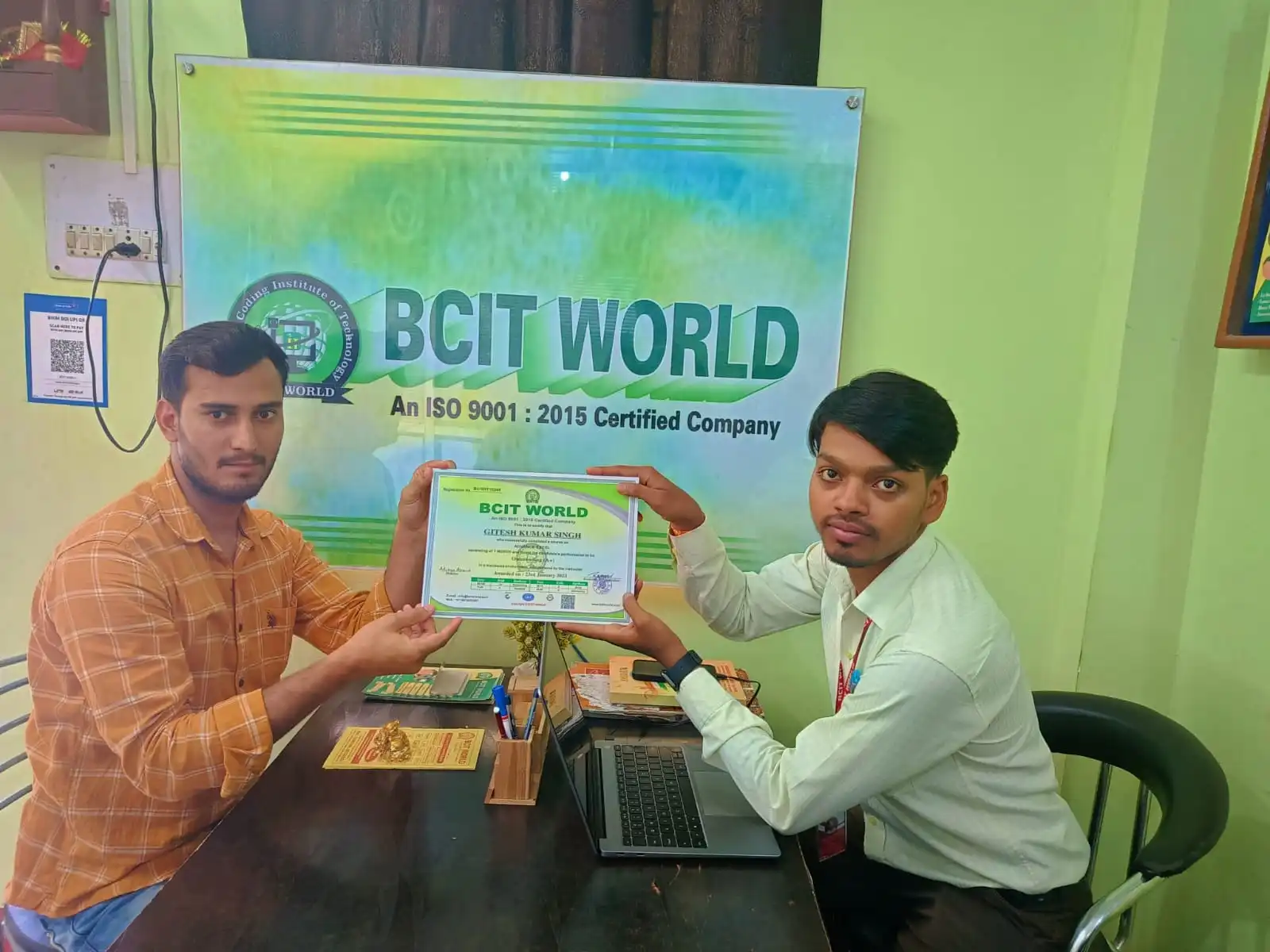
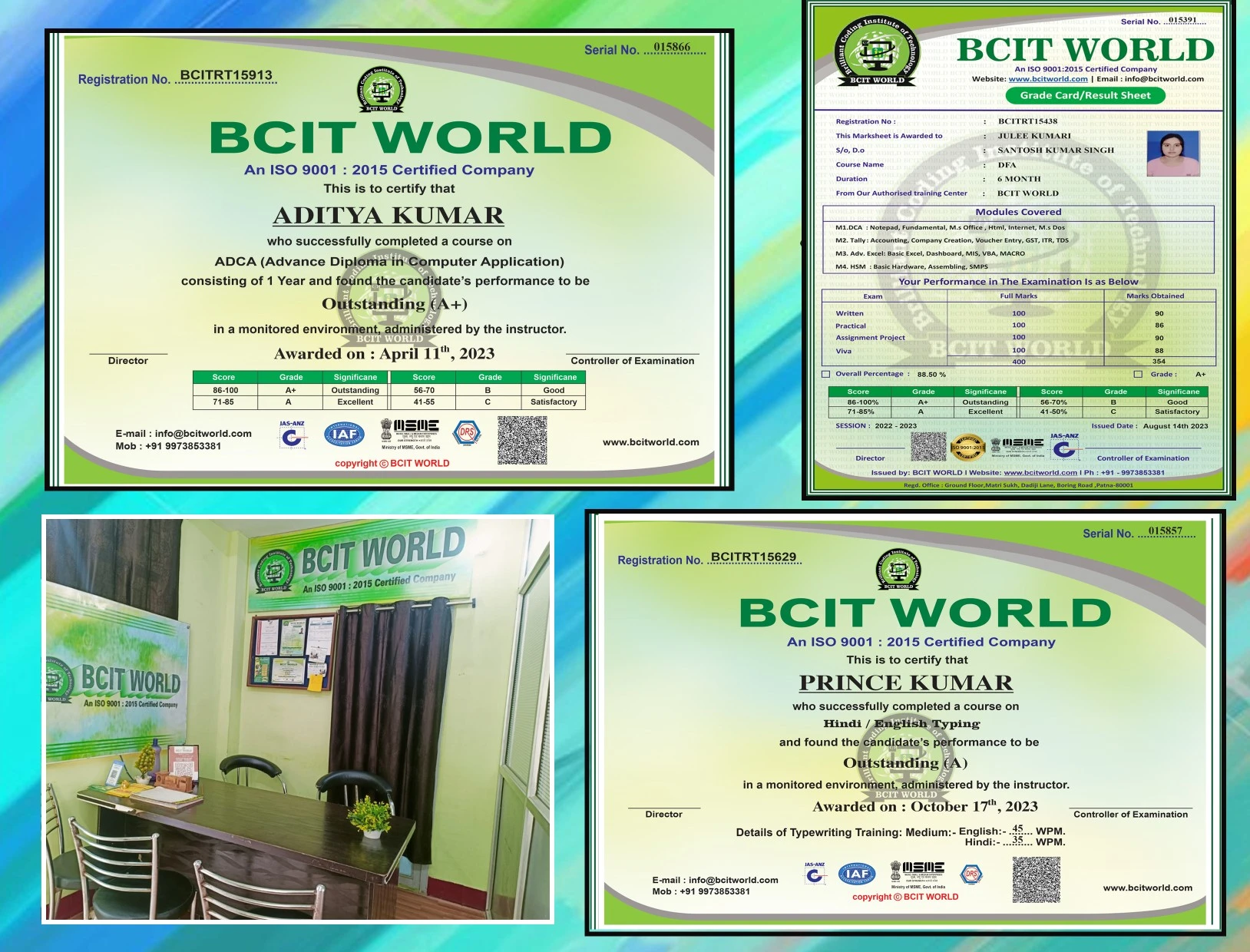
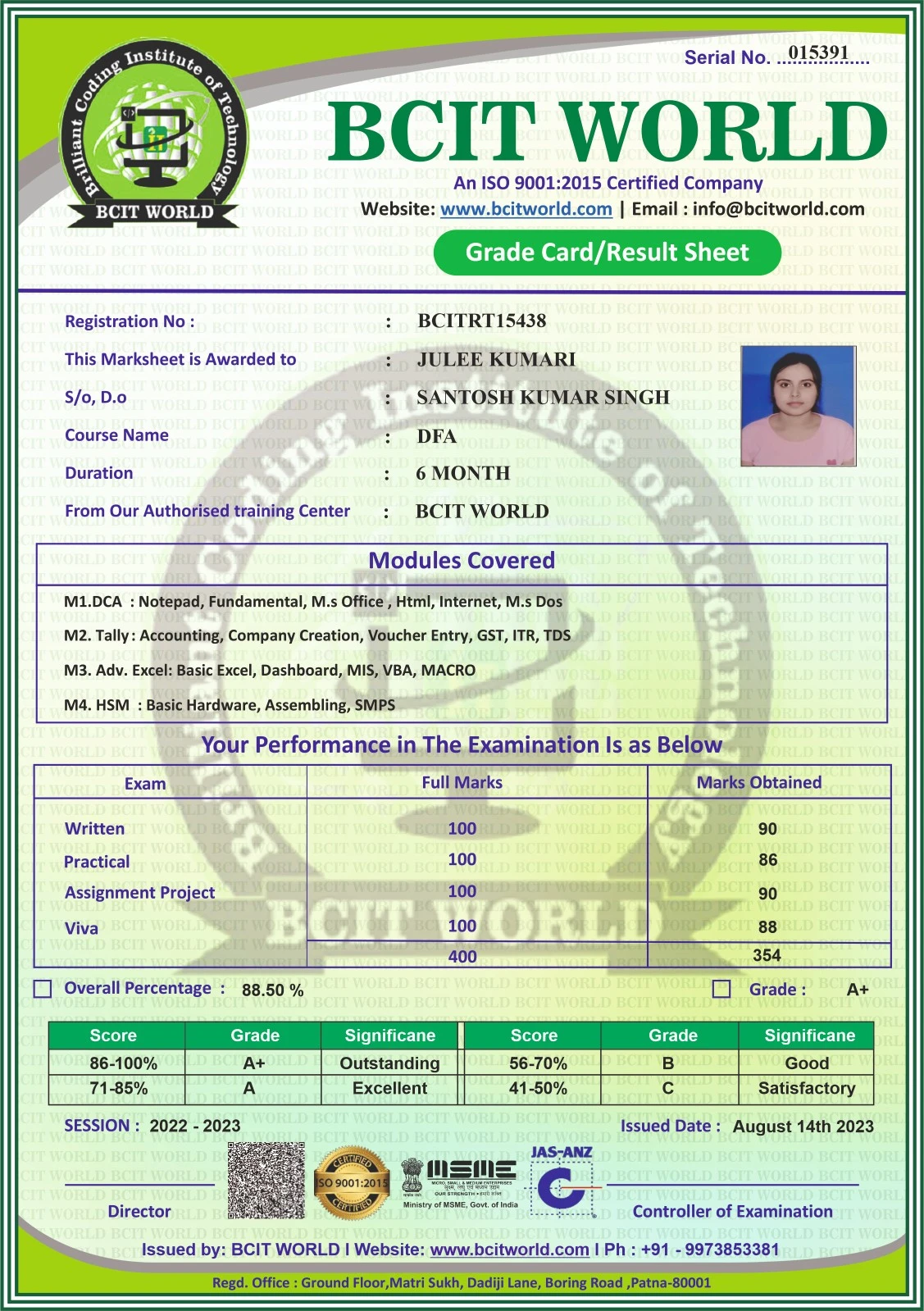
Get Your Certificate After Completing This Course
Every student completing our Graphic Designing course at BCIT WORLD receives a recognised certificate that boosts career opportunities. Add it to your resume, Behance profile and LinkedIn.

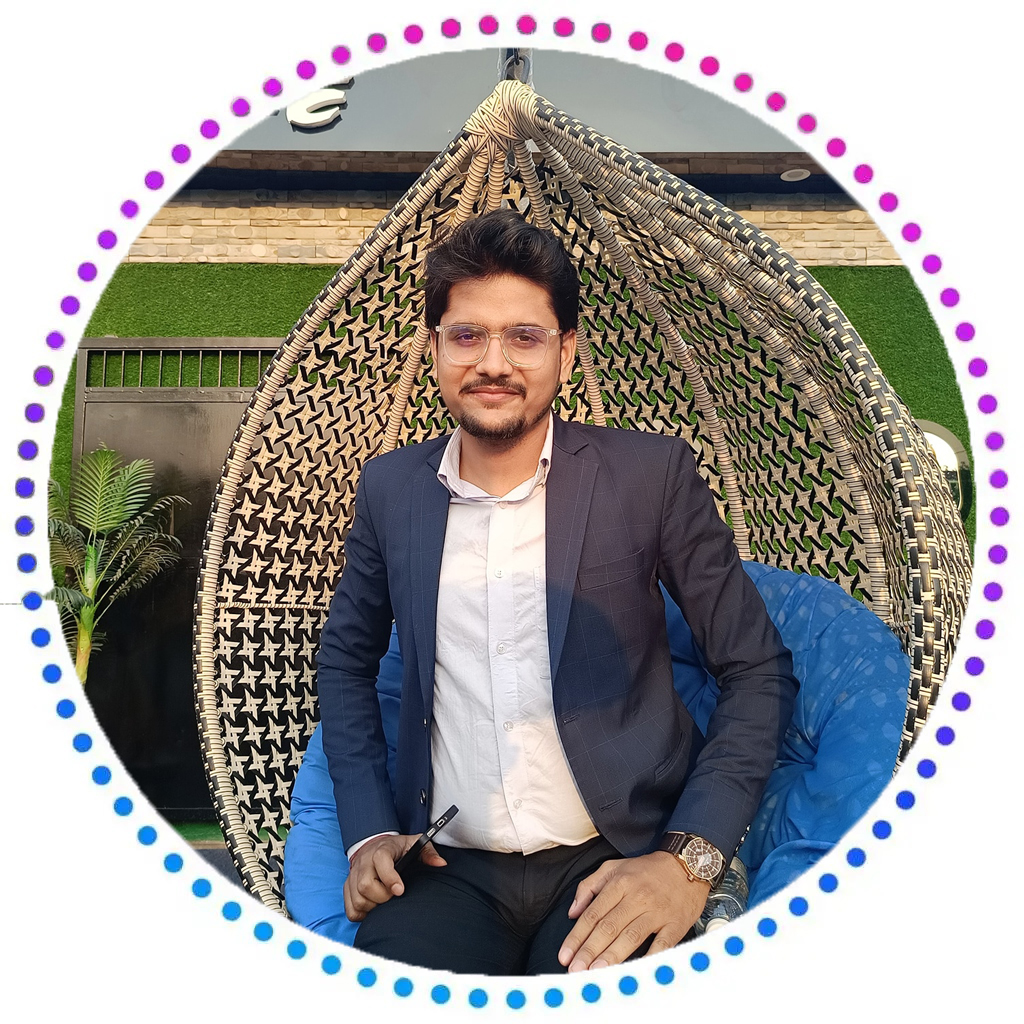
Mr. Rk Thakur — Graphic Designing Trainer
Hi! I’m Rk Thakur — a Graphic Design & Digital Design Trainer with over 6 years of professional experience. I’ve trained 250+ students in classrooms and 100+ online across Canva, CorelDraw and Adobe Photoshop, and I use these tools every day for real client and internal design work.
In this 3-month program I don’t just show you buttons – we cover the real design thinking behind every choice: which tool suits which job, when to reach for a raster vs a vector, how to build a logo that survives at every size, and how to plug Generative AI into your workflow without losing your own voice. You’ll finish with a full portfolio piece and be ready for design jobs or freelance work.
- 6+ years of experience in graphic design & training
- Trained 250+ classroom & 100+ online students
- Hands-on across Photoshop, CorelDraw, Canva & AI tools
- Deep coverage of logo, print, social & retouching work
- AI-first design workflow taught inside every module
- Portfolio & placement support with real client briefs
Our Graphic Designing Students’ Reviews
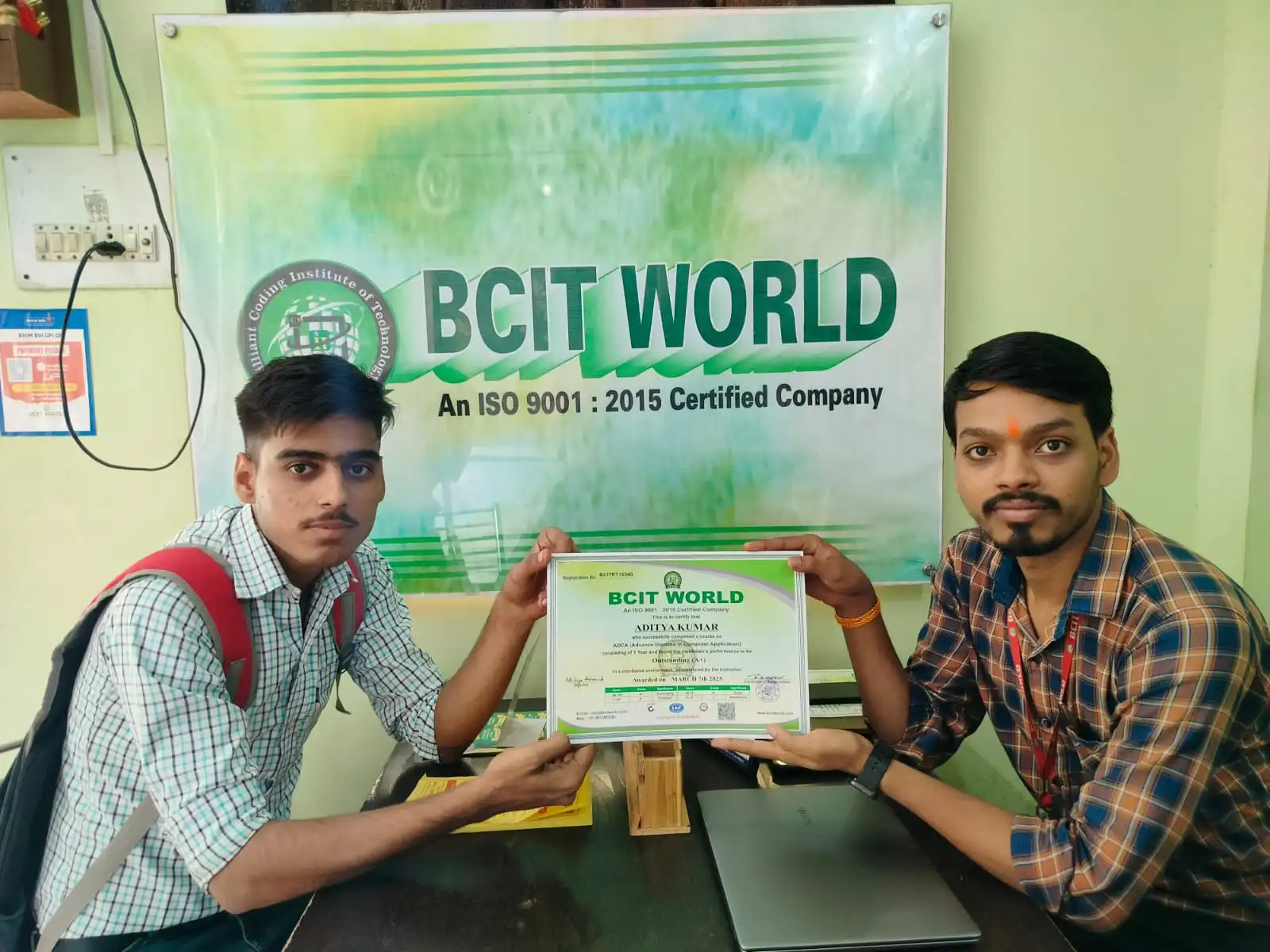
3 months me Canva, CorelDraw, Photoshop aur AI tools – sab clear kar diya sir ne. Har module ke saath project bhi kiya, aur end me portfolio bhi ready hua Behance pe upload karne ke liye.
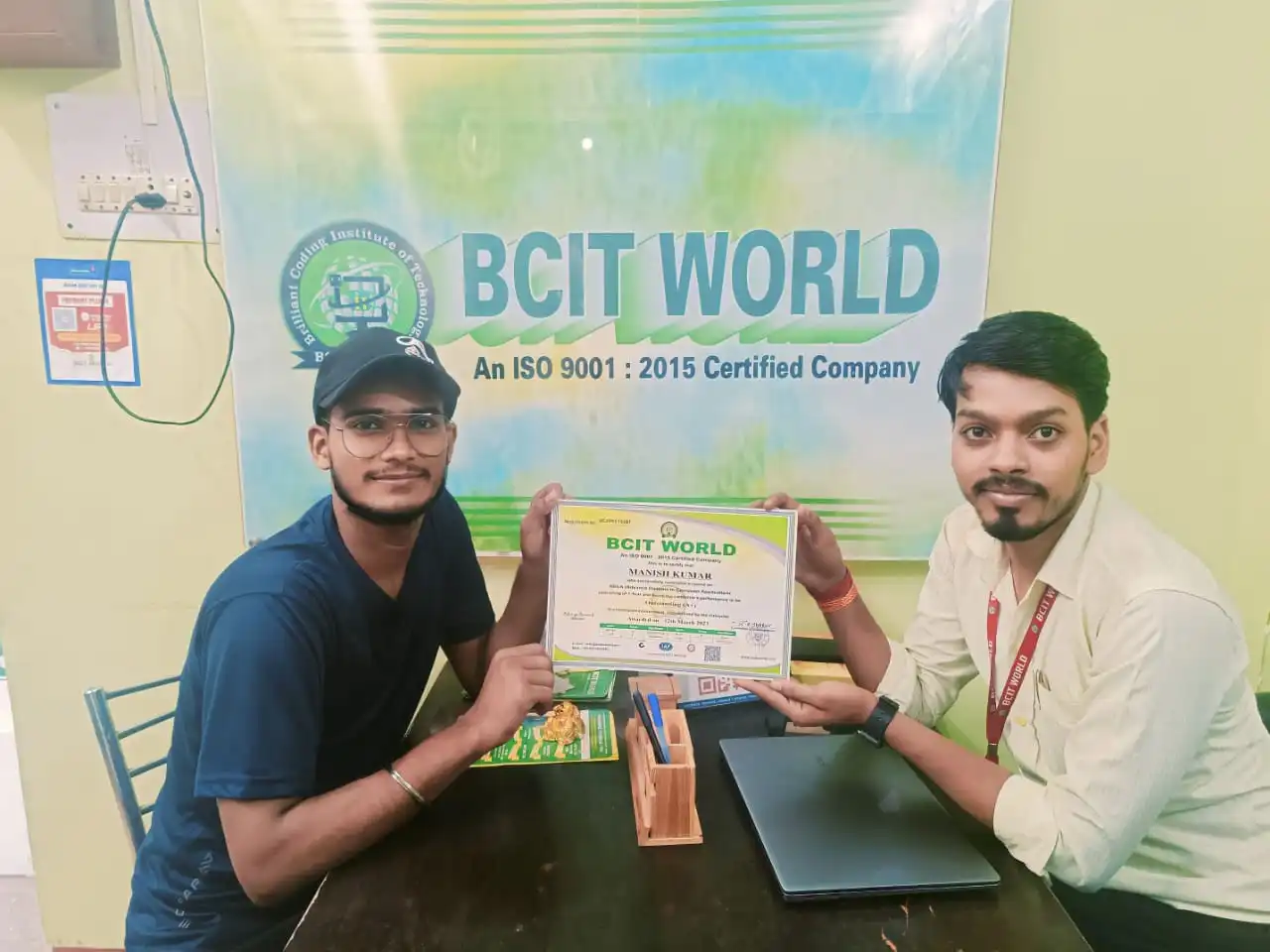
Bilkul beginner tha, ab logo & banner design confidently kar leta hoon. Photoshop me retouching aur manipulation bahut interesting laga. Generative AI module ne kaam kaafi fast bana diya.
Start Your Graphic Designing Course Today
Attend a free demo class and see the syllabus, tools and real designs first-hand – no obligation.
FAQs – Graphic Designing Training in Patna
Everything you may want to know about Graphic Designing training in Patna.
Which tools are covered in the Graphic Designing course at BCIT WORLD?
What is the duration and fee of this Graphic Designing course?
Do I need any prior design experience before joining?
Why does the course cover 3 tools plus Generative AI?
Will I build a portfolio during the course?
What kind of jobs can I get after this course?
Do you provide a certificate and placement assistance?
Where is BCIT WORLD located in Patna?
Have a Question About This Course?
Call, WhatsApp or send us a message – we will get back to you shortly.
+91 99738 53381
Chat with our counsellorVisit Us
Ground floor, Matri Sukh, Dadi Ji Lane, Opp. Shadeo Mahto Marg, Boring Rd, Patna – 800001
Tap for directionsSend us a message
Tell us what you need and we will call you back.
BCIT WORLD, Patna
Ground floor, Matri Sukh, Dadi Ji Lane, Opp. Shadeo Mahto Marg, Boring Road, Patna, Bihar 800001